Pre-filled with the example below. Download it as CSV or Excel, or copy it, then make it your own.
A conference agenda is the attendee-facing schedule of your event: the sessions, speakers, rooms, and times, in order, so someone can plan their day. This page gives you the template, a filled example, and a short note on each column, so you can copy it and have a working schedule in minutes.
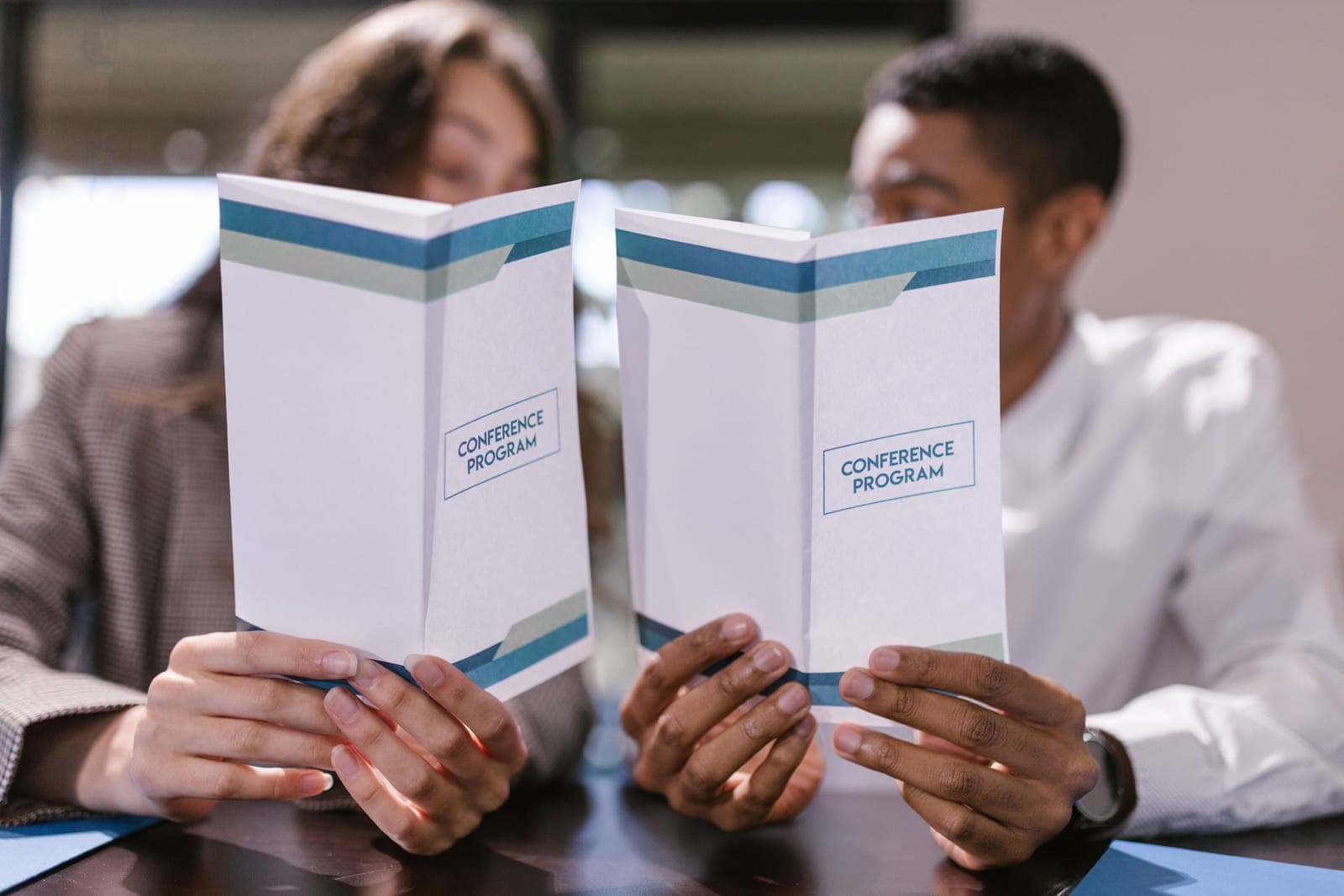
If you want the deeper background, how to sequence the day and size the sessions, read the full guide on how to build a conference agenda. To turn the finished schedule into the attendee booklet, see what goes into a conference program. If you already know what you need, the template is right below. The hardest part is rarely the grid anyway. It is collecting the bio, headshot, and deck behind every session, which is the work Submitto takes off your plate.
The conference agenda template
Copy this into a spreadsheet, a doc, or your event app. Each row is one item, in time order, from doors open to the close. This example is a single track; for multiple tracks, see the note under the table.
| Time | Session | Speaker | Room / Track | Format | Description |
|---|---|---|---|---|---|
| 8:30 to 9:00 | Registration and coffee | --- | Lobby | Break | Badges at the door, light breakfast |
| 9:00 to 9:15 | Welcome and housekeeping | Host | Main Hall | Opening | Wifi, the schedule, how Q&A works |
| 9:15 to 10:00 | Keynote: what changed in analytics this year | A. Okafor | Main Hall | Keynote | Sets the theme for the day |
| 10:00 to 10:20 | Coffee break | --- | Lobby | Break | Networking, sponsor tables |
| 10:20 to 11:05 | Build your first dashboard | R. Mehta | Room B | Workshop | Bring a laptop; sample data provided |
| 11:15 to 12:15 | Panel: lessons from real rollouts | 3 panelists | Main Hall | Panel | Audience Q&A in the last 15 minutes |
| 12:15 to 1:15 | Lunch | --- | Lobby | Break | Dietary options labeled |
For a multi-track event, put time down the left and one column per track across the top, so each row shows what runs against what and attendees can pick a path.
What goes in each column
- Time. The start and end, or the start and a duration, in plain blocks. State the time zone for a virtual or multi-region audience.
- Session. The title, written so a stranger knows whether it is for them, not an internal codename.
- Speaker. The name, plus title or organization where it helps an attendee decide.
- Room / Track. Where it happens. The moment you run parallel sessions, this column is what stops clashes.
- Format. Keynote, panel, workshop, break, networking, opening. Seeing the format down the column shows the day's rhythm at a glance.
- Description. One line where the title does not say enough; skip it where it does.
How to fill it in
A few habits make the agenda hold up once attendees are reading it on their phones:
- Block the fixed points first: start, breaks, lunch, end, and the keynote. Then slot the rest around them.
- Put real breaks and transitions on the grid. Leave time to move between rooms and to talk in the hall. The breaks are sessions too, not filler.
- Keep sessions short and mix the formats. A talk that could run 60 minutes usually plays better at 40, and six lectures in a row will lose the room.
- Do not stack your headliners. Across tracks, spread the popular sessions so you do not end up with one packed room and three empty ones.
- Publish one live version. Put it on the web and in the event app and update only that, so a room change reaches everyone at once.