Your speakers are booked, the venue is set, and you have a rough running order in mind. Turning that into an agenda attendees can actually follow is the fiddly part, and it is really three separate jobs: getting the timing right so sessions do not collide or run long, writing titles that tell people what each session is, and publishing it somewhere they can check from their phone.
A conference agenda is the attendee-facing schedule of your event. It lists the sessions, speakers, rooms, and breaks in time order, so an attendee can plan their day. It is not the run of show, the internal document your production team uses to execute the day cue by cue. This guide is about the agenda: how to build one, what to put on it, and the choices that decide whether it flows.
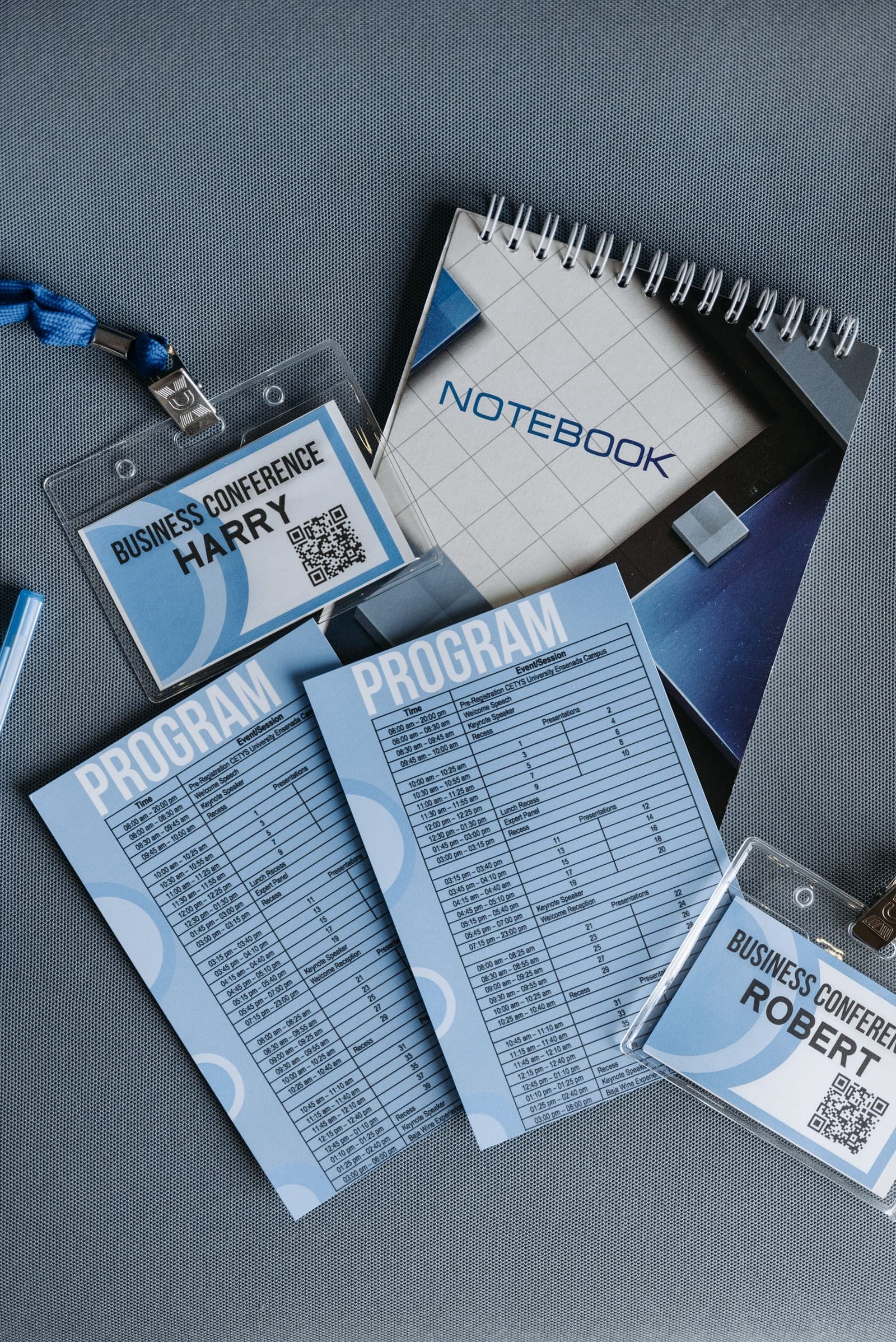
One thing worth saying up front. The hardest part of an agenda is usually not the grid. It is collecting the bios, headshots, and slides that sit behind every session, on time, from busy people. More on that below. And if you also publish the fuller booklet, the one with bios and abstracts wrapped around the schedule, that is the conference program, and it grows out of the agenda you build here.
Conference agenda vs run of show
These two get mixed up constantly. Here is the difference.
- The agenda is for attendees. It shows session titles, speakers, rooms, and times in plain blocks: 9:00 welcome, 9:30 keynote, 10:15 break. A skeleton version is often live months ahead, when registration opens, and it fills in with detail as speakers and rooms get confirmed.
- The run of show is for your team. It breaks the same day into minutes and seconds, with AV cues, transitions, and a named owner for every line. Attendees never see it.
The agenda answers "where should I be." The run of show answers "who brings the lights up when the emcee walks on." If you are building that internal version, our run of show guide covers it. Everything below is the attendee-facing schedule.
Start with goals and your attendees, not the time grid
It is tempting to open a spreadsheet and start dropping sessions into slots. Resist that. Decide first what the event is for and who is in the room.
Map your sessions to what attendees came for. Networking is now the top reason people attend in-person business events, and about half say good networking alone is reason enough to come back. So an agenda packed wall-to-wall with talks works against its own audience. Give breaks and networking real slots on the grid, the same as any session.
Know who is reading it, too. A schedule for first-time attendees needs clearer signposting and beginner sessions early in the day. One for returning experts can move faster and go deeper. Write session titles that tell a stranger what they will get and make them want to be in the room, not internal names only your team understands.
Get session lengths right
This is where most agendas slip. Sessions run long, and attention drains.
There is no magic number for how long attention lasts. The research does not back the popular 10-to-15-minute rule, and what really holds a room is the speaker, not the clock. Even so, shorter sessions are easier to sit through and easier to schedule around: they leave less to cut when the day runs late, and they push a speaker to keep to the point. TED caps every talk at 18 minutes, and pulling a 45-minute speaker down to 18 forces them to cut to what matters. Give each session the time its content needs and no more, and do not pad a slot just to fill the grid.
A workable default set of blocks:
- Keynotes: 30 to 45 minutes, in a prime morning slot.
- Breakouts and workshops: 30 to 60 minutes, varied in format so attendees are not sitting through six lectures in a row.
- Breaks: 15 to 30 minutes, with at least one real networking block.
- Transitions: 10 to 15 minutes between sessions for room changes and speaker setup.
Build in buffer. The whole day slides when the morning keynote runs ten minutes over and no one planned for it.
Sequence the day for energy, not just topic
Order matters as much as length. Put your strongest sessions mid-morning, when attendance and energy peak. Energy dips right after lunch, so schedule a hands-on or discussion session there instead of another lecture.
Give the day an arc. Start with broad, foundational sessions and move to deeper, more specialized ones later, so a newcomer is not dropped into an advanced talk first thing.
Handle parallel tracks carefully
If you run more than one session at a time, scheduling gets harder and attendees feel it. The complaint turns up in post-event surveys every time: two sessions someone wanted, scheduled against each other.
A few rules cut the pain:
- Spread your popular speakers and topics across different slots. Stack them and you get one overflowing room and three empty ones.
- Do not run two similar sessions against each other. That is the clash attendees resent most.
- Vary the format within a slot: a panel in one room, a workshop in another, a case study in a third.
A good agenda also lets attendees build their own version. Most event apps let people save sessions to a personal schedule and warn them about clashes. You publish the full grid, and each attendee filters it down to the sessions that are theirs.
Collect the pieces behind every session
Here is the part the grid hides. Behind every session is a speaker bio, a headshot, and a slide deck, and you need all of it on time. Chasing a slide deck the night before a talk is normal; the bio and headshot you should have months earlier, but those slip too. Multiply that across forty sessions and the agenda turns into a collection job.
This is the work Submitto's speaker management software takes off your plate. You collect every bio, headshot, and deck through one shareable link. Files arrive named to your convention and sorted by session, tracked against your speaker roster, so you can see which sessions are still missing pieces. A shared folder or a form takes whatever lands in it, but it cannot match each file to a speaker or flag who has not sent anything. You see the gaps and send a reminder to just those speakers, in one click.
A simple build order
If you want a sequence to follow:
- Set the event goals and know your audience.
- Block the fixed points first: start, lunch, end, and the keynote.
- Slot sessions by energy and arc, in lengths that hold attention.
- Add real breaks and transitions between everything.
- Resolve track clashes so no two strong sessions collide.
- Collect bios, headshots, and decks for each session as you confirm it.
- Publish one live version, on the web and in the event app, and make every change there so attendees always see the current schedule.
If you would rather start from a structure than a blank page, our free conference agenda template lays out those columns with a filled example.