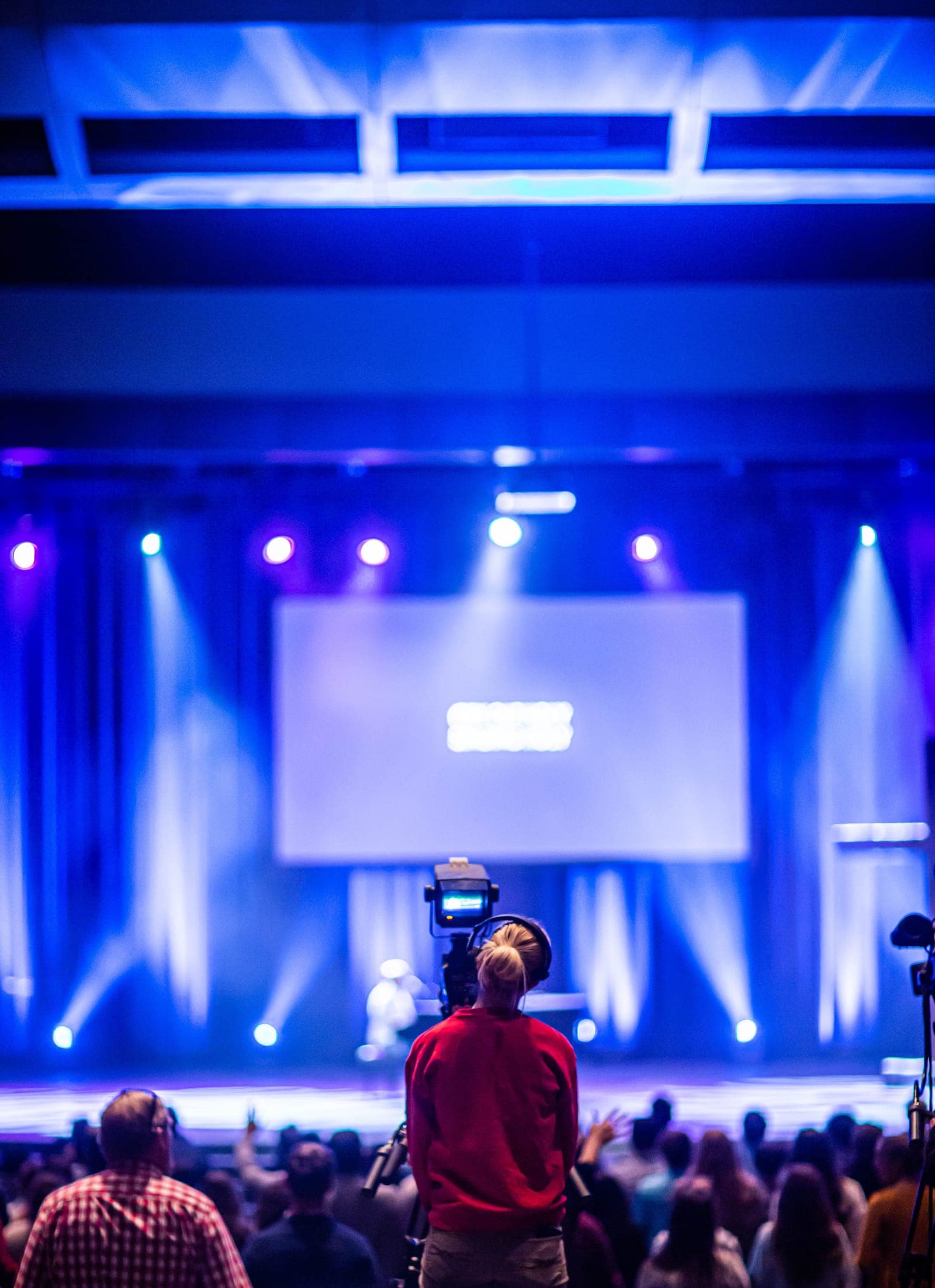
It is the morning of your conference. The keynote starts in twenty minutes. The AV tech wants to know which video plays after the welcome, the emcee is asking who introduces the panel, and a speaker just told you their slides are a different version than the one you have. Three people need an answer at once, and they all need it from you.
A run of show is the document that answers all three before anyone has to ask. It is the minute-by-minute plan of what happens, when, and who is responsible, from doors open to the final thank-you slide. Your agenda tells attendees the day starts at 9. Your run of show tells the lighting tech to bring the spot up at 9:01:30 when the emcee walks on.
This guide covers what a run of show is, how to build one, what to put on it, and the mistakes that quietly throw events off schedule. One note first: the run of show fixes event day, but getting the slides and AV files in on time to fill it is its own scramble, the one Submitto was built to end. The rest of this is about the document itself.
What a run of show actually is
A run of show, also called a run sheet, cue sheet, show flow, or rundown, is a detailed sequence of every segment and cue in your event, in chronological order. Guidebook calls it "the minute-by-minute master document that keeps every person, cue, and element perfectly synchronized." It is built for your team, not your attendees, which is why you never share it with the room.
Three documents get confused:
- The agenda is the attendee-facing view: 9:00 welcome, 9:30 keynote, 10:15 break. General time blocks, rarely changes once published. The program booklet wraps bios and session abstracts around it.
- The production schedule covers the full lifecycle, load-in, setup, rehearsal, and teardown, often across several days.
- The run of show is live execution only. It breaks the day into minutes and seconds, with cues, transitions, and a named owner for each line, and it changes right up until showtime.
How to create a run of show, step by step
Across the guides that publish a process, including SpotMe, Rundown Studio, and Eventify, the same sequence shows up. Here is the version that works for a solo or small-team manager. If you want a head start, copy our free run of show template and make each row your own.
1. Break each agenda block down. Split every block into the smaller actions inside it. Guidebook's example is worth copying: a "30-minute keynote" is really a speaker introduction (2 min), a walk to stage (30 sec), the talk (25 min), Q&A (2 min), a thank-you to the speaker, and an exit (30 sec). This surfaces the time you did not know you needed.
2. Pick columns that match your event. At minimum: start time, end time, duration, the segment or cue, the owner, and a notes field. Add a location column (Main Stage, FOH, BOH) and an on-day contact with a phone number. SpotMe's full template runs to 21 fields, including a content link and a preparation status so you can see what is ready at a glance.
3. Use two time formats. List both clock time (2:15 PM) and running time (T+45:00). Clock time keeps everyone synced to reality. Running time lets you recover if you start late, because every downstream cue shifts by the same amount instead of being rewritten.
4. Build in buffer. Guidebook suggests 10 to 15 percent buffer, placed where overruns cluster: after Q&A, before VIP segments, at meal transitions. The same source notes most planners underestimate transitions by 50 percent or more, so the buffer is realism, not padding.
5. Choose cues you can call. Decide what triggers each cue. A cue tied only to the clock breaks the moment the day runs a few seconds off. Tie it instead to something your team can see or hear, like the emcee finishing the welcome, so they know exactly when to fire it even when the timing slips.
6. Distribute early and rehearse. Share it digitally and in advance. About a week out, walk it through with everyone involved, AV, the emcee, your speaker contacts, so they can flag problems while there is still time to fix them. On the day, hold a final briefing with all teams about 30 minutes before doors open.
What to put on your run of show
The columns are the structure. Here is what fills them, drawn from what vFairs, SpotMe, and Guidebook all flag:
- Header details. Event name, date, venue, and phone numbers for key contacts: event lead, production, venue, AV, catering.
- A clear description per segment. Guidebook's rule is good: "CEO keynote begins" beats "John talks about stuff."
- An owner for every line. Consistent initials or roles, SM for stage manager, AV1 for audio. When something goes wrong, a named owner means a faster fix.
- Technical cues. Audio, lighting, video, and graphics, each written as the action: "house lights down," "roll intro," "switch to camera 2."
- Contingency notes. A line like "if the speaker runs long, cut the video intro" gives your team an answer without needing to find you.
One reminder from Event Kit, whose founder has 25 years in the field: the best run sheets are the clearest, not the longest. Write for someone glancing at it under pressure, and leave out anything that will not help them act.
The mistakes that throw events off schedule
Building it too late. Waiting until the week before leaves no time to rehearse, refine, and distribute. Start early enough that the document is a tool, not a scramble, and keep it open as the one place to capture the small things that surface during planning, like a note a presenter emails you, before they get lost in your inbox.
Skipping the rehearsal. A run of show that looks fine on paper can fail in the room. Rehearsals catch timing conflicts, cue collisions, and the gap between what you assumed and what the AV team can actually do.
Ignoring technical reality. Validate every technical assumption with your AV team before you finalize timing. The cues you imagine are not always the cues that are possible.
Working from stale copies. A run of show changes right up to showtime, so keep it as one live shared document that everyone opens, not a file you email around. The moment two versions exist, someone runs the wrong one.